Theme recipes
Every value of every recipe a theme picks from, pictured on a sample App.
export const theme = defineTheme({ id: 'ledger', label: 'Ledger', extends: 'mono', recipes: { bar: 'dark', table: 'tinted', status: 'pill' },});Each row is Compass in Lumen, with one part changed and everything else left as Lumen has it. The value Lumen wears is marked, and each value is said in words under its picture: some differ only on a page that has the thing they draw. Make a sheet like these for your own App and page with tablewalk shot --recipes <part> [page], which notes the values that draw your page nearly alike, or try values live on the theme bench tablewalk dev serves at /_theme.
The menu: how its current entry is marked.
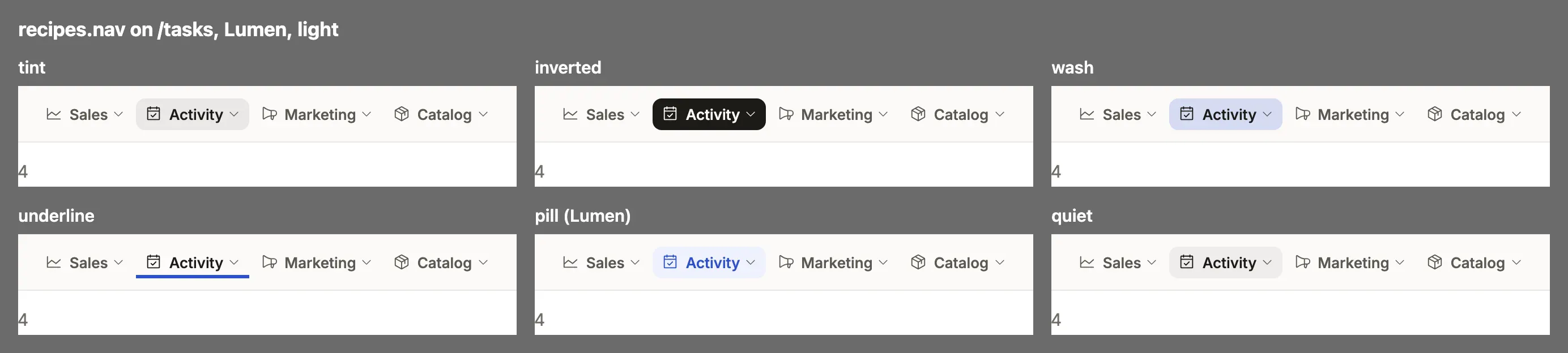
tint: The current entry sits on a soft tint of the accent; the other rows stay plain.inverted: The current entry is inverted, the menu’s ink as its ground: the boldest mark, square and high-contrast.wash: The current entry sits on a wash of the menu’s own accent, stronger than tint, for a menu in a brand color.underline: The current entry in the top bar is marked by a 3px rule of the menu’s accent under it, with no fill.pill: Every row is a rounded pill with room around it; the current one is filled in the accent’s tint, its word in the accent.quiet: The current entry is barely shaded in the menu’s ink, with no accent at all: the calmest mark.
The top bar.
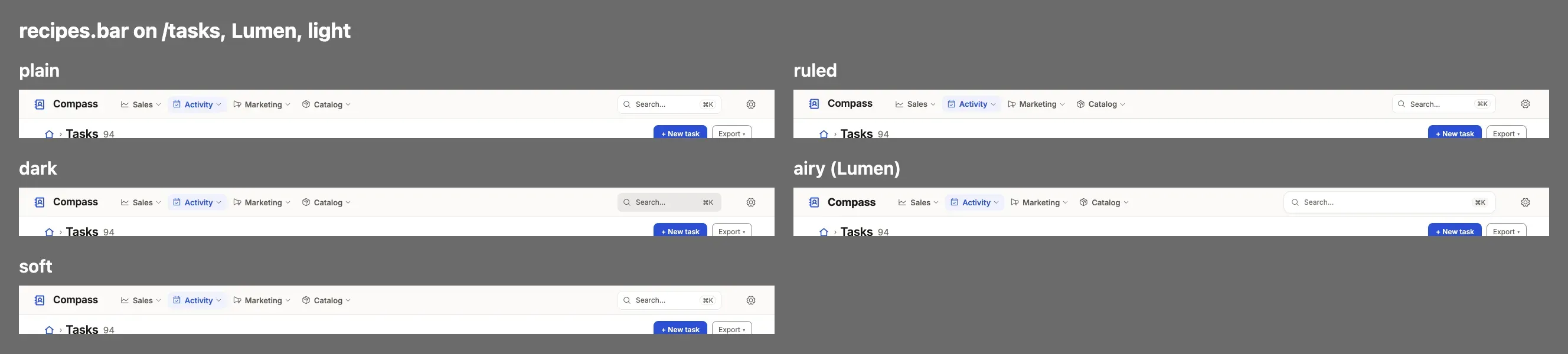
plain: The top bar is the menu’s ground with a hairline under it.ruled: The top bar ends in a 2px rule instead of a hairline, and casts no shadow.dark: The top bar takes the menu’s ground and inks, so a dark or brand-colored menu runs across the top too.airy: The top bar is taller, with a large bold brand name and a wide, raised search box.soft: The top bar is a panel in the surface color with a hairline under it, apart from the menu beside it.
A record’s tabs.
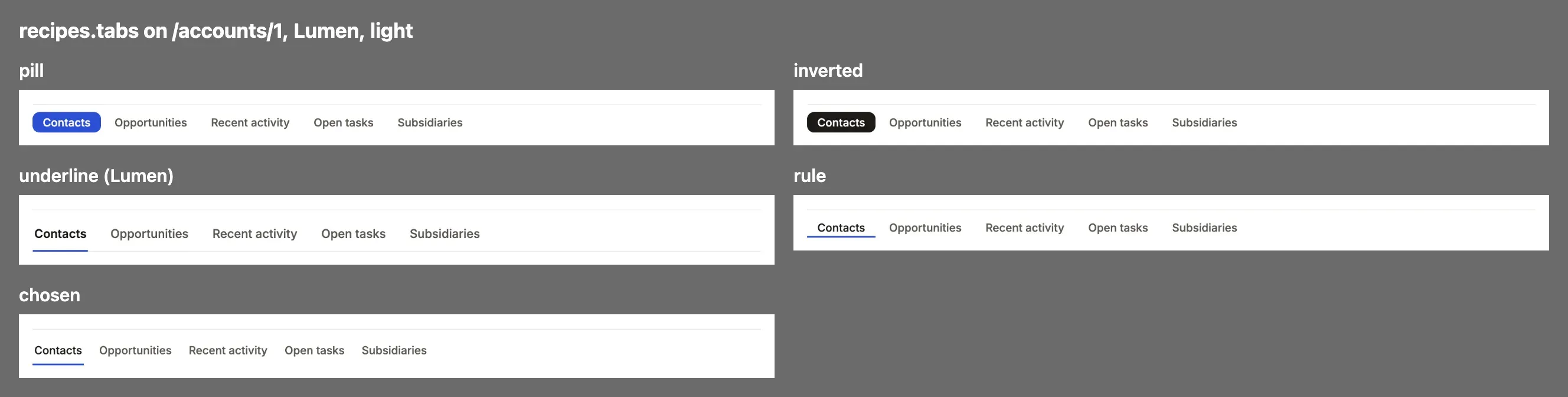
pill: The chosen tab is a filled pill; the others are plain words.inverted: The chosen tab is inverted, the ink as its ground: square, high-contrast.underline: The tabs stand on a hairline, wide apart, the chosen one underlined in the accent with no fill.rule: The chosen tab is underlined by a 2px rule in the link color with no fill, the tabs packed as written.chosen: The chosen tab sits on a soft tint of the accent in the ink, wider apart, with no underline.
windows
Section titled “windows”A dashboard’s period picker.
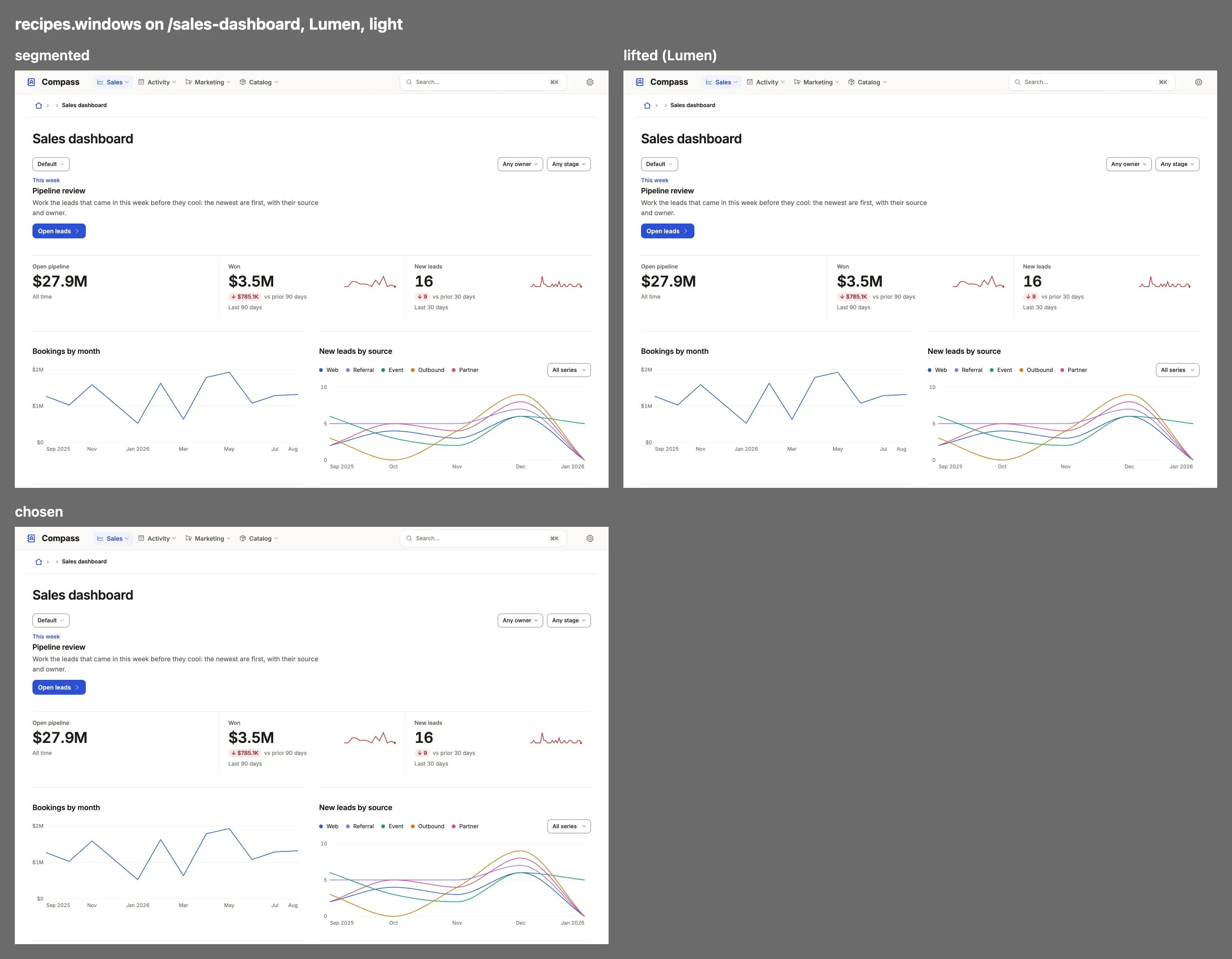
segmented: The period picker is a segmented control, the chosen period filled.lifted: The period picker is a sunken tray, the chosen period a raised white key on it.chosen: The period picker has no tray; the chosen period sits on a soft tint of the accent.
A stat tile.
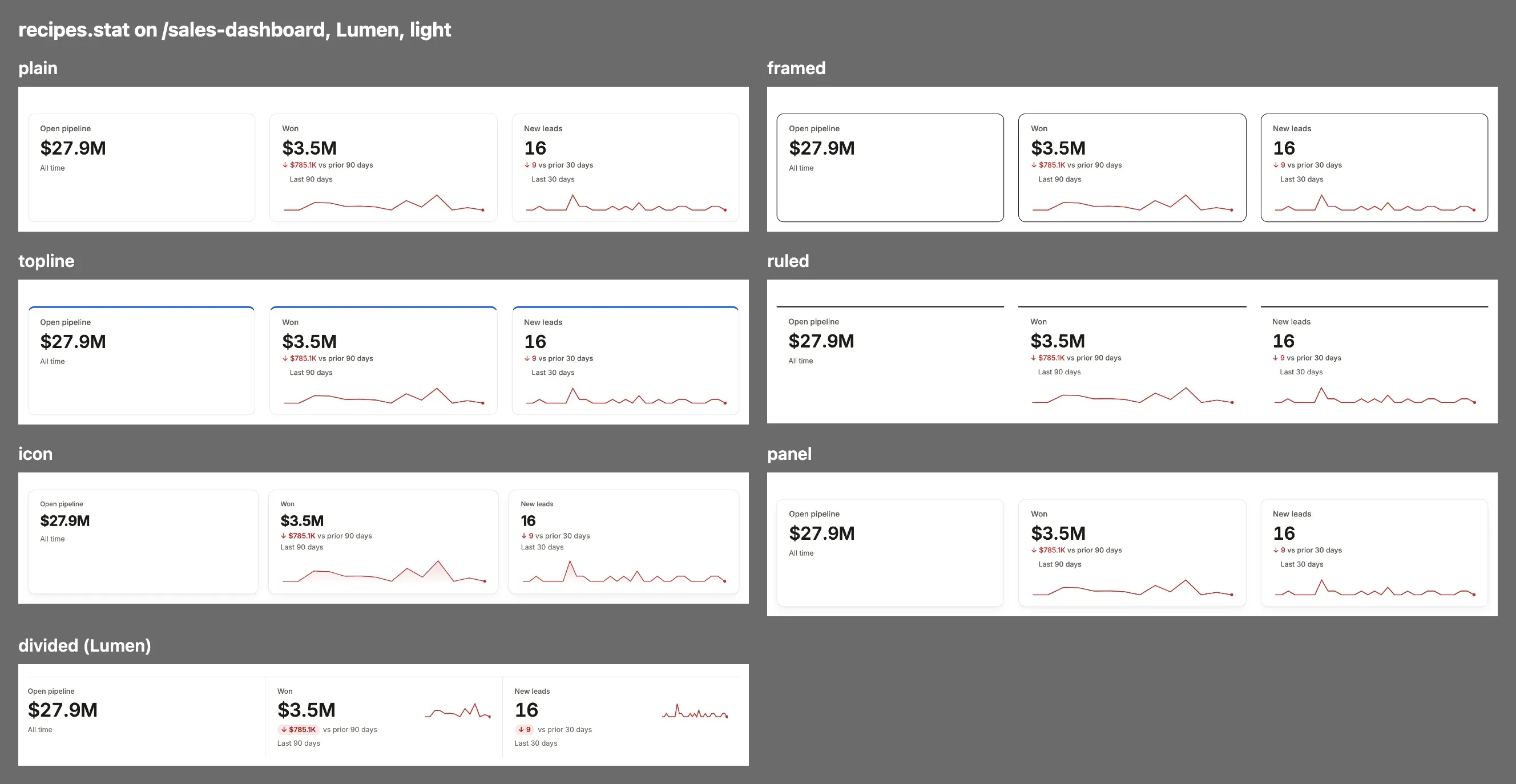
plain: A stat is a figure and its label with no frame.framed: Each stat is a card framed by a line in the ink: square and stark.topline: Each stat card has a 3px rule in the first chart color along its top.ruled: Each stat stands open under a 2px rule in the ink, with no card or shadow, like a printed page.icon: Each stat is a card with its icon in a round tint of a chart color above the label, and a large bold figure.panel: Each stat is a panel on the surface with a hairline and the look’s card shadow.divided: The stats share one strip, parted by hairlines, with no cards: the quietest arrangement.
section
Section titled “section”A dashboard’s and a record’s sections.
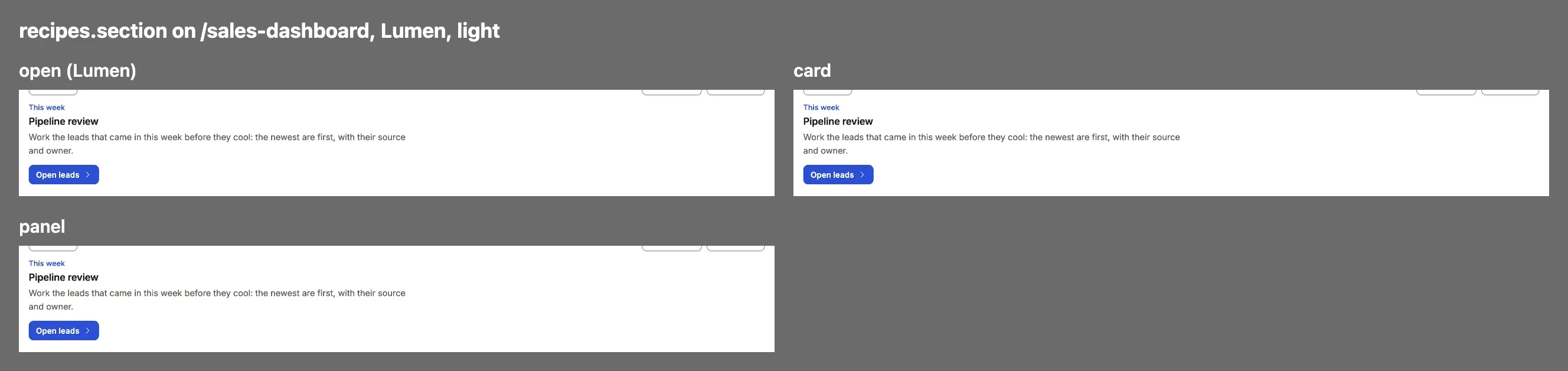
open: A dashboard section stands open on the page under its rule.card: Each dashboard section is a card with a hairline and the card shadow, its table drawn to the card’s edges.panel: Each dashboard section is a panel like card, but a section in the side column stays open on the page.
fields
Section titled “fields”A record’s fields.
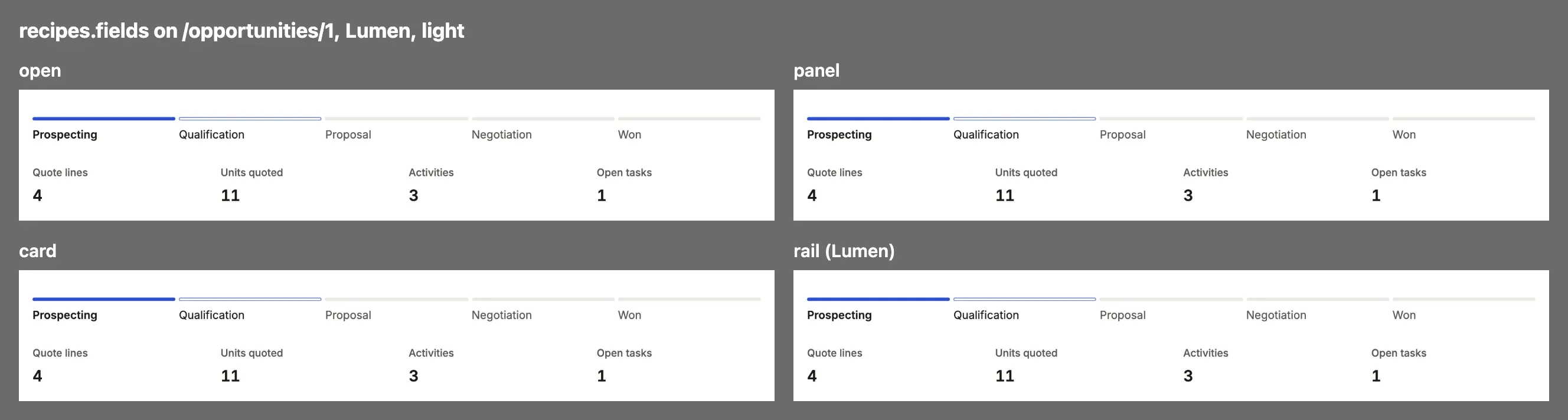
open: A record’s field groups and forms stand open on the page.panel: Each field group and form is a panel on the surface with a hairline; its labels stay as the look draws them.card: Each field group and form is a card with a hairline and the card shadow, its labels muted and the values in the interface face.rail: Field groups stand open, and the side column’s cards become captioned groups between hairlines.
A list.
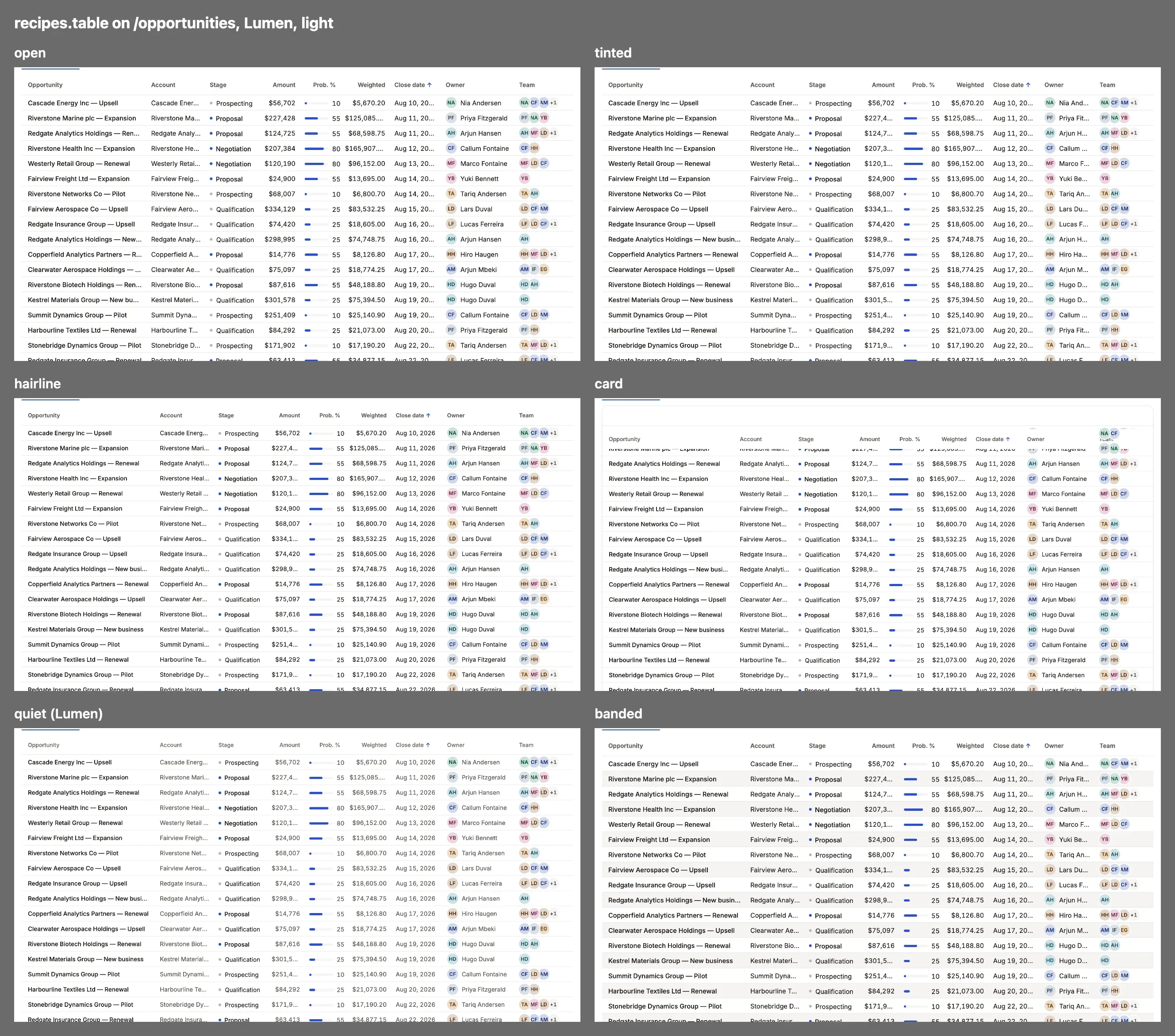
open: Rows stand on the page under a rule, the head as the look draws it.tinted: As open, but a hovered row takes a tint of the accent and its check boxes the accent: the same until a pointer moves.hairline: The head sits on a hairline in 12.5px semibold, the rows in 13.5px: open, a little roomier.card: The table is a card: muted 12px heads on a hairline, faint row rules and taller rows.quiet: The table is a card of quiet rows, a work queue’s open button folded to a chevron at the row’s end.banded: As open, but every other row lies on the band color (colors.band, or the raised ground), each ink measured on it.
status
Section titled “status”A status value.
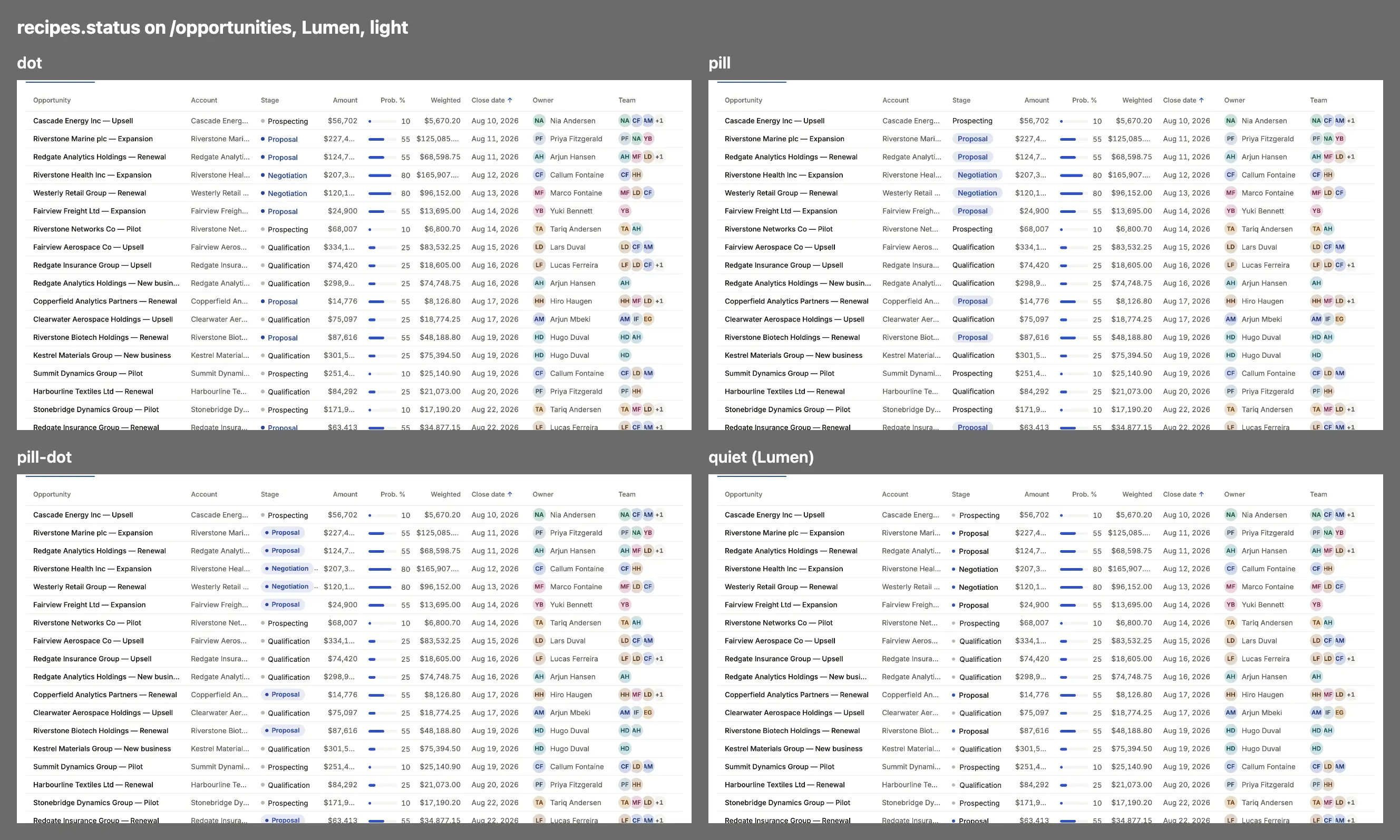
dot: A status word in its tone with a dot before it.pill: A status word on a pill tinted with its tone, without a dot.pill-dot: A status word on a pill tinted with its tone, with a small dot inside it.quiet: A status word in the ink with a dot in its tone: the color is only the dot.
A board’s cards.
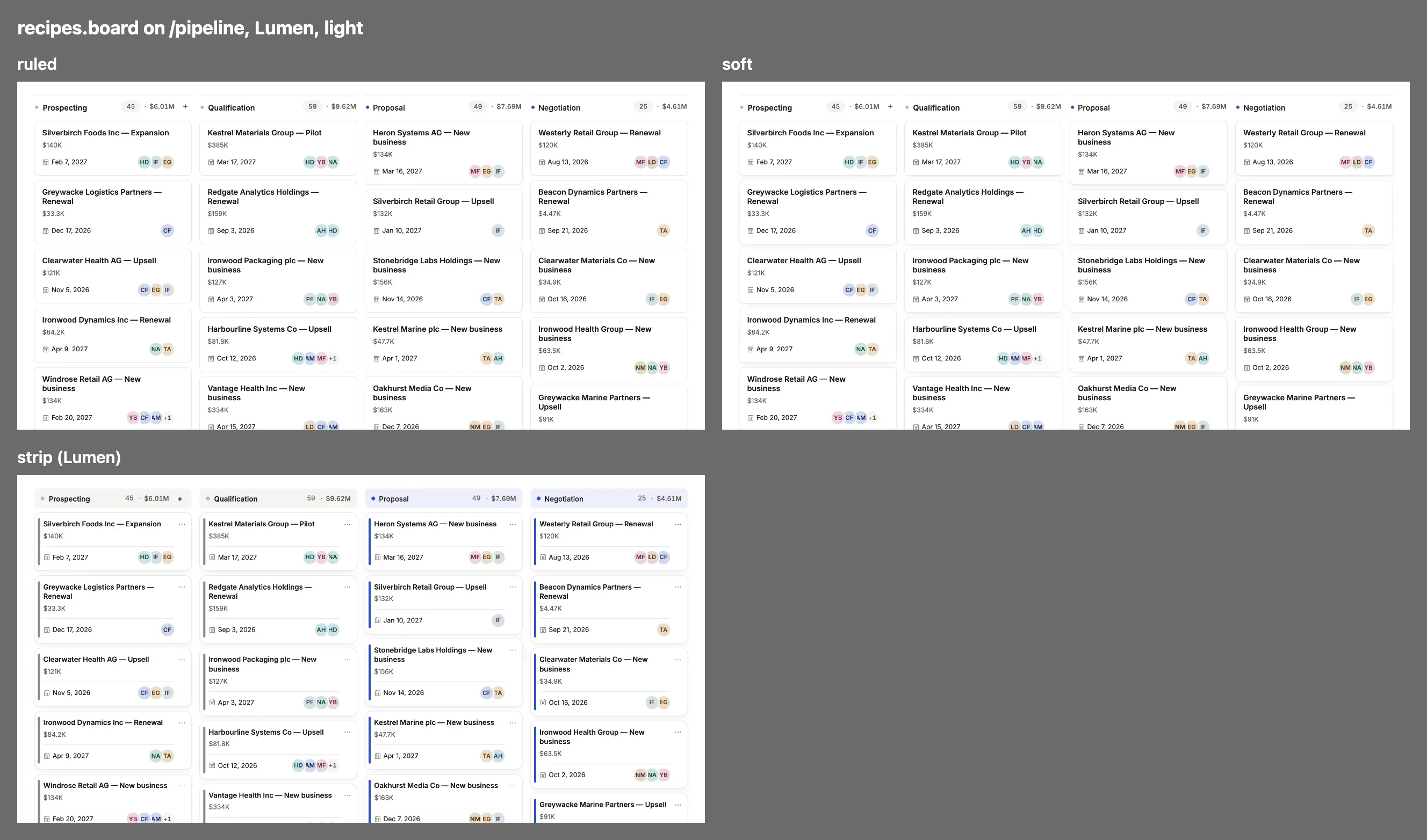
ruled: A board’s lanes are outlined by a hairline; its cards lie flat on them.soft: As ruled, but each card casts the look’s card shadow: only the cards lift.strip: Each lane is headed by a strip tinted with its tone, its cards white on the lane.
A chart.
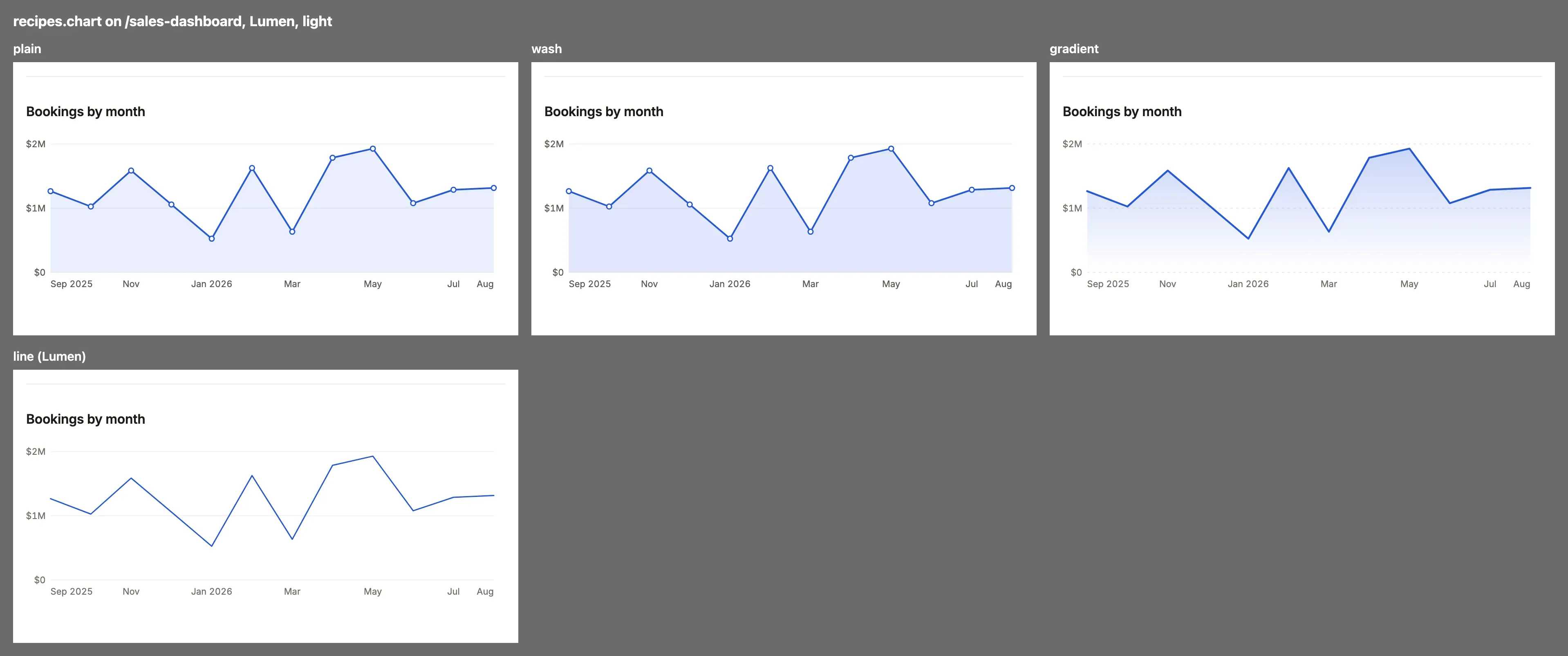
plain: A chart is its lines or bars on a light grid.wash: An area under a line is washed in the first chart color.gradient: An area fades from the line down to nothing, the line heavier and the grid dashed.line: Only the lines: no areas, a fine solid grid and small ticks.
buttons
Section titled “buttons”Buttons.
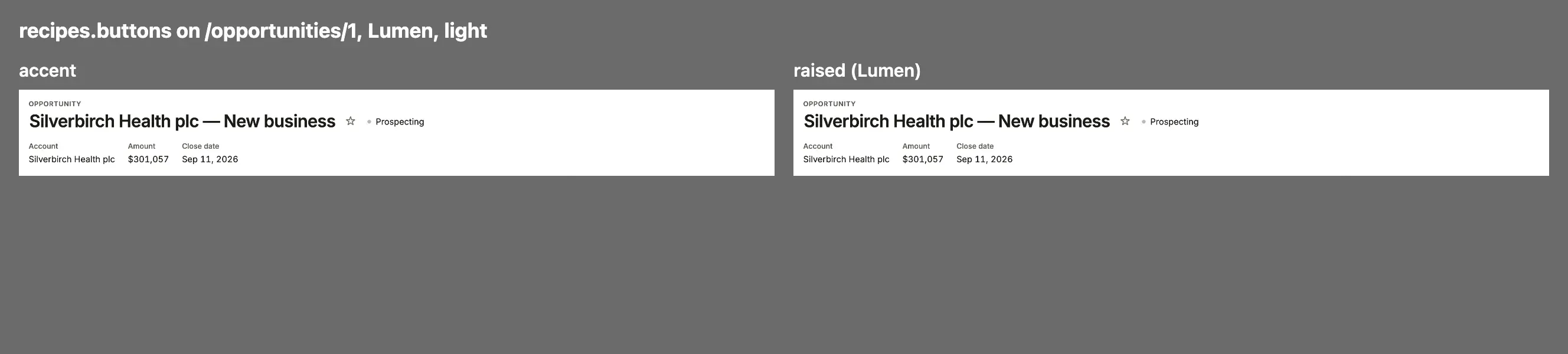
accent: The primary button is filled in the accent; the rest are quiet.raised: Secondary buttons are white keys with a hairline and a small shadow, raised off the page.
Links to another record.
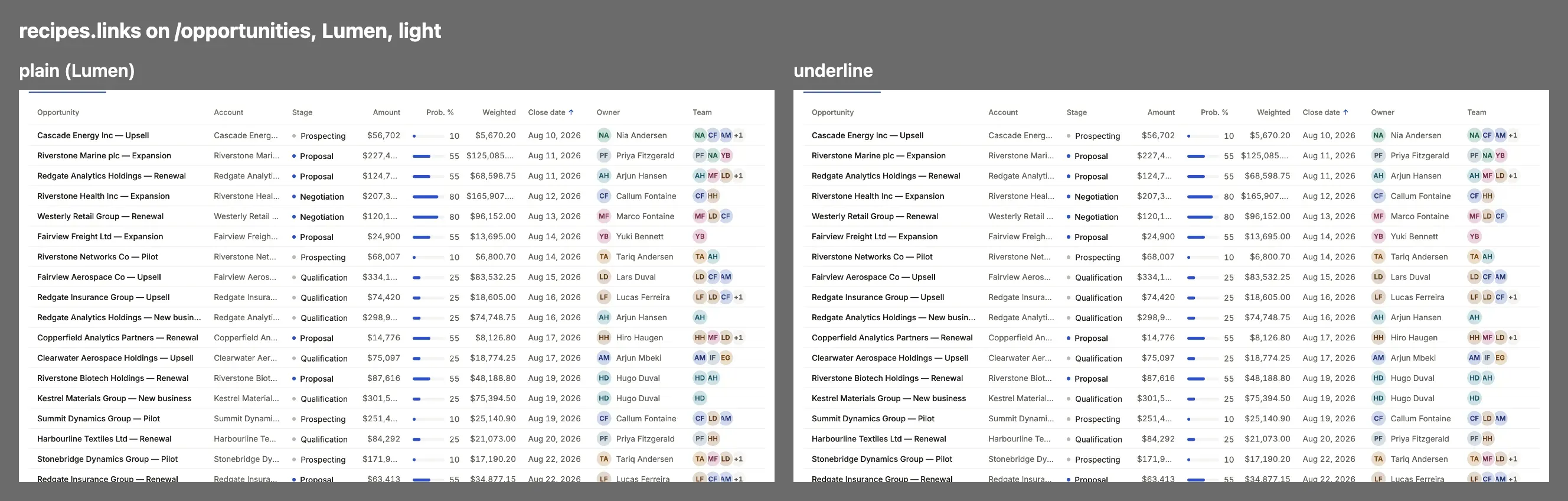
plain: A link to another record is in the link color without an underline.underline: A link to another record is underlined, so it reads as one without color.
The lines between things.
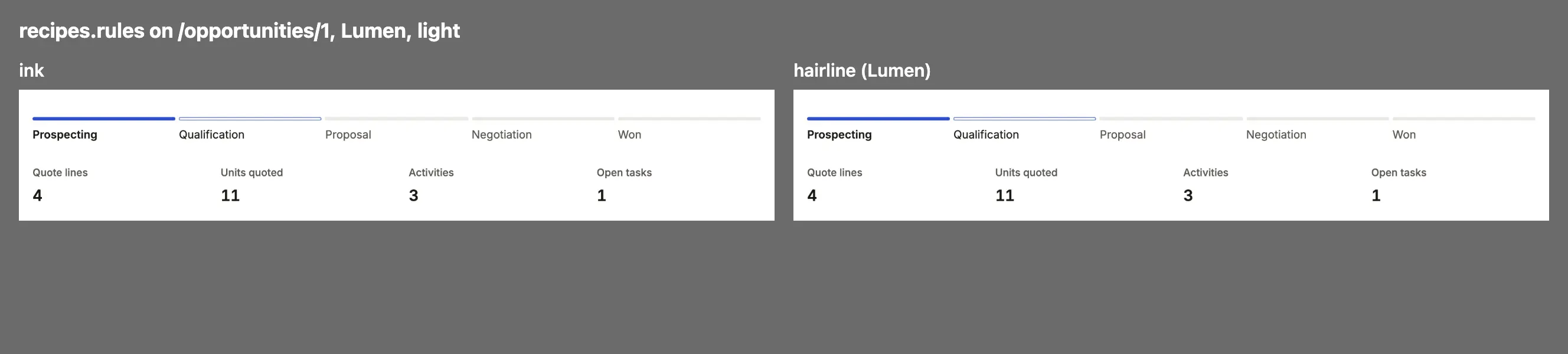
ink: A record’s sections are announced by a 2px rule in the ink.hairline: A record’s sections are announced by a 1px hairline instead.
avatar
Section titled “avatar”A record’s picture or initials.
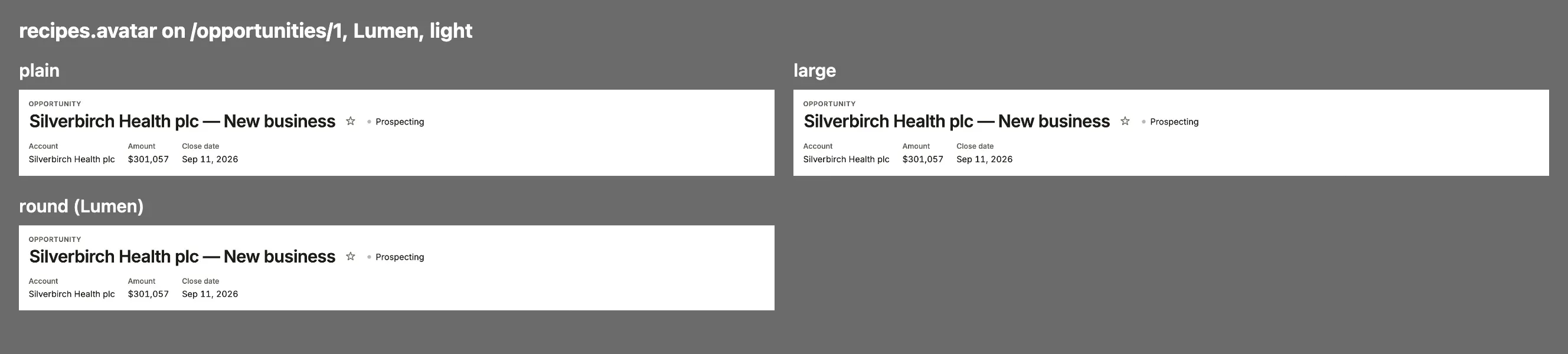
plain: A record’s avatar is its initials in a small square.large: A record’s avatar is 44px, in the look’s corners.round: A record’s avatar is 44px and round, and the menu’s and the account’s marks are round too.
workflow
Section titled “workflow”A record’s workflow steps.
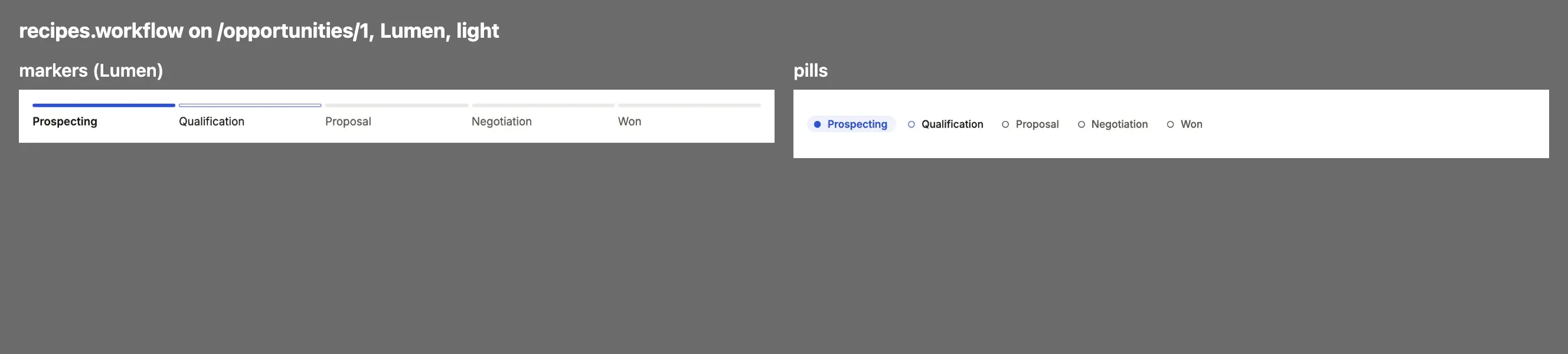
markers: A workflow is a track of thin segments, the label under each.pills: A workflow is a row of pills with a dot each: a step walked in the good tint, the current one in the accent’s.
banner
Section titled “banner”A dashboard’s banner.
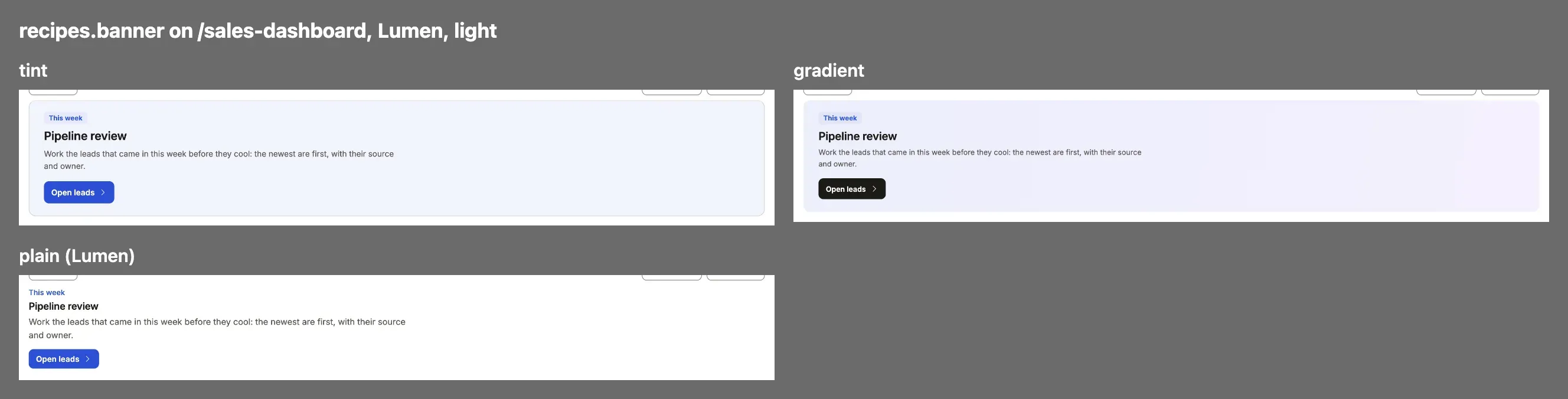
tint: A dashboard’s banner note is a box tinted with the accent.gradient: A dashboard’s banner note is a soft gradient from the accent to the second chart color.plain: A dashboard’s banner note stands on the page with no box, its eyebrow in the link color.
A dashboard’s steps from one stage to the next.
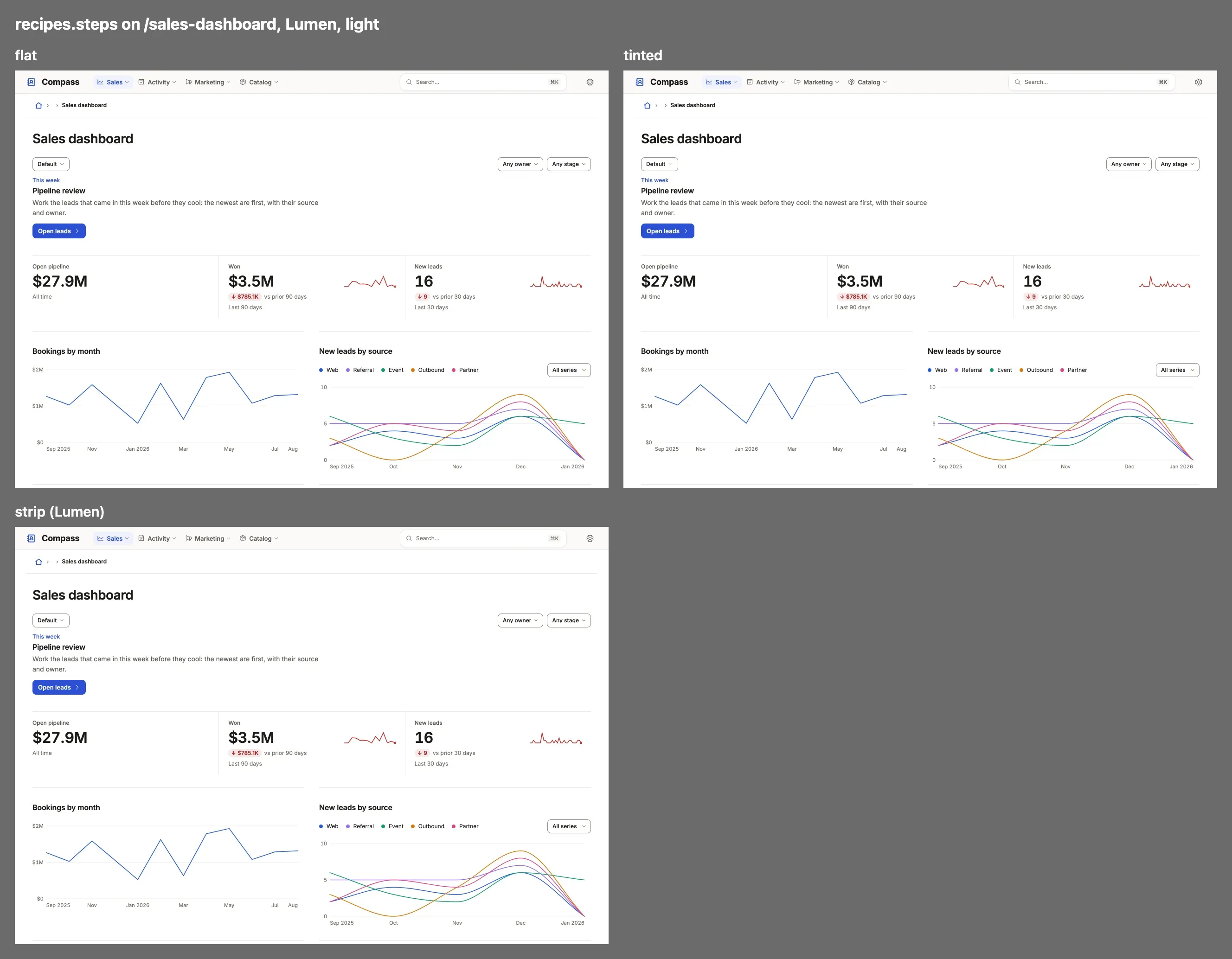
flat: A breakdown drawn as steps is a row of cards on the surface with a hairline.tinted: Each step’s card is tinted with its tone: good, warning, critical or the accent.strip: The steps are one strip of figures parted by hairlines, with no cards or marks.
A board lane’s value in its head: its tone’s tint, a solid tag, or its name in plain ink.
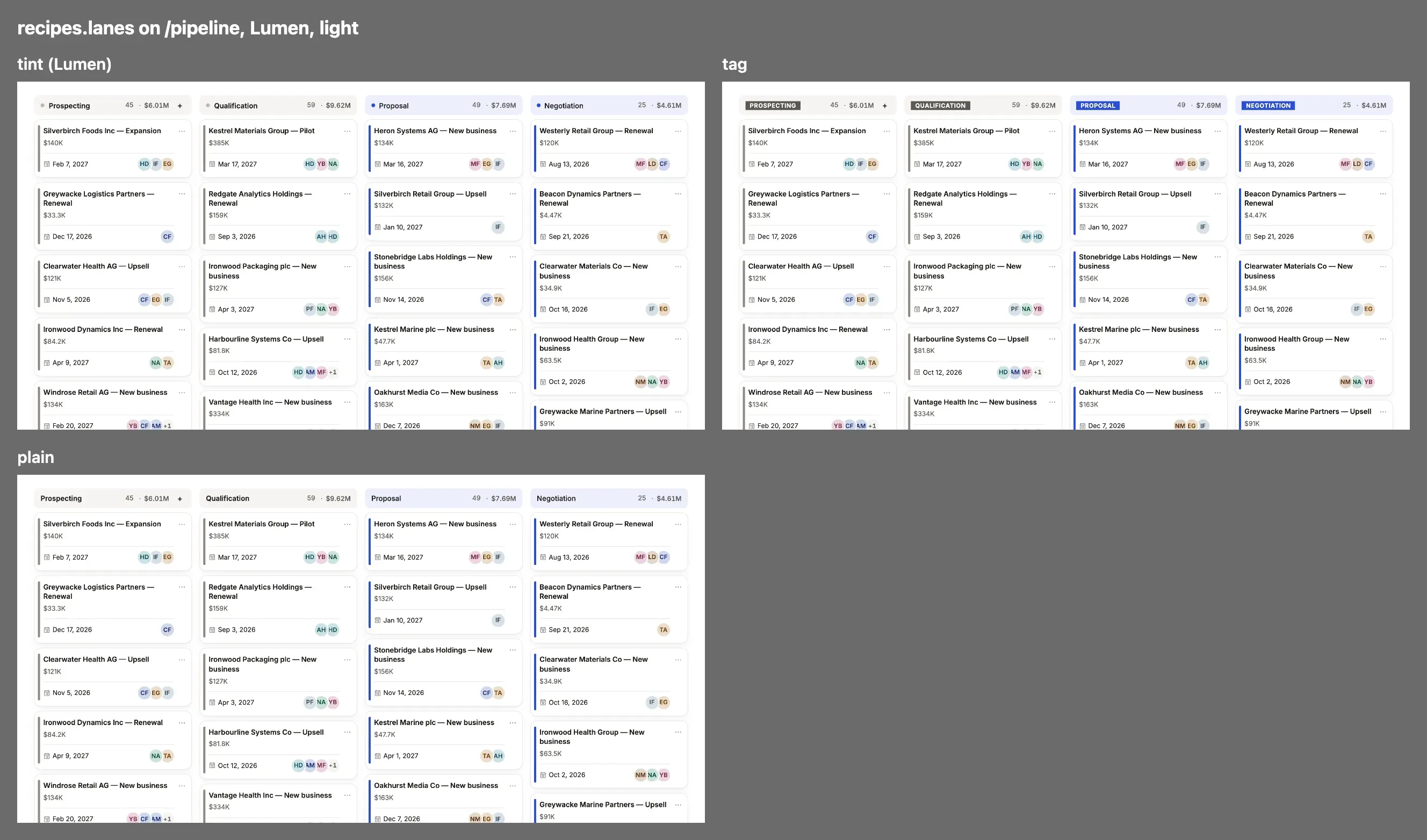
tint: A board lane’s value in its head is on its tone’s tint.tag: A board lane’s value is a solid tag in its tone, in white capitals.plain: A board lane’s value is its name in plain ink.
header
Section titled “header”A record’s head and a list’s: on the page’s ground, or one band from edge to edge, with a record’s avatar large beside its title in hero. A recipe paints the box the page placed; nothing in the head moves.
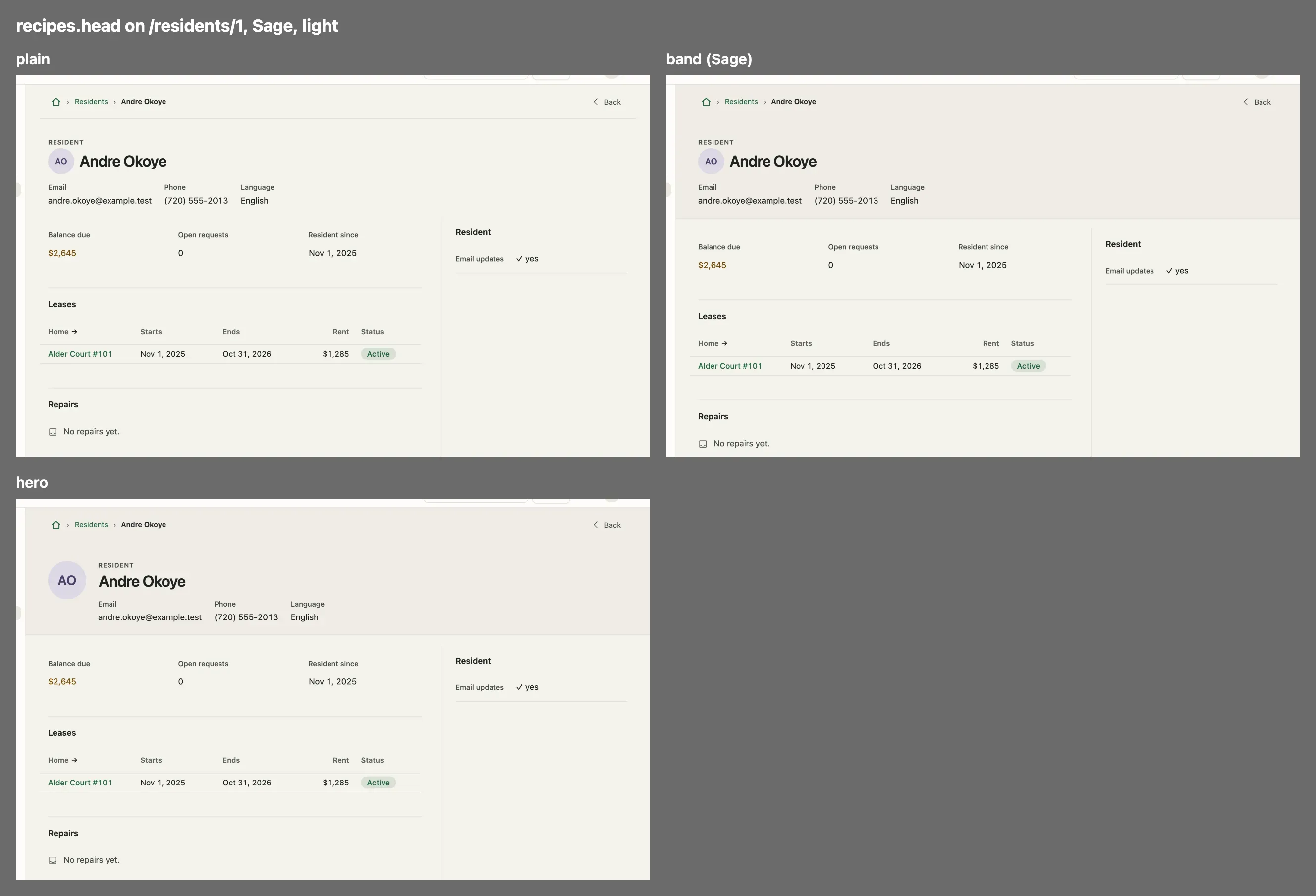
plain: A record’s head and a list’s stand on the page’s ground, under the trail’s hairline.band: A record’s head and a list’s are one band of the raised ground from edge to edge: the trail, the title, its status, facts and verbs, a list’s tabs and filters; the contents keep their edge.hero: A band, with the record’s avatar large beside its title (above it on a phone); a record without one, and a list, draw the band.
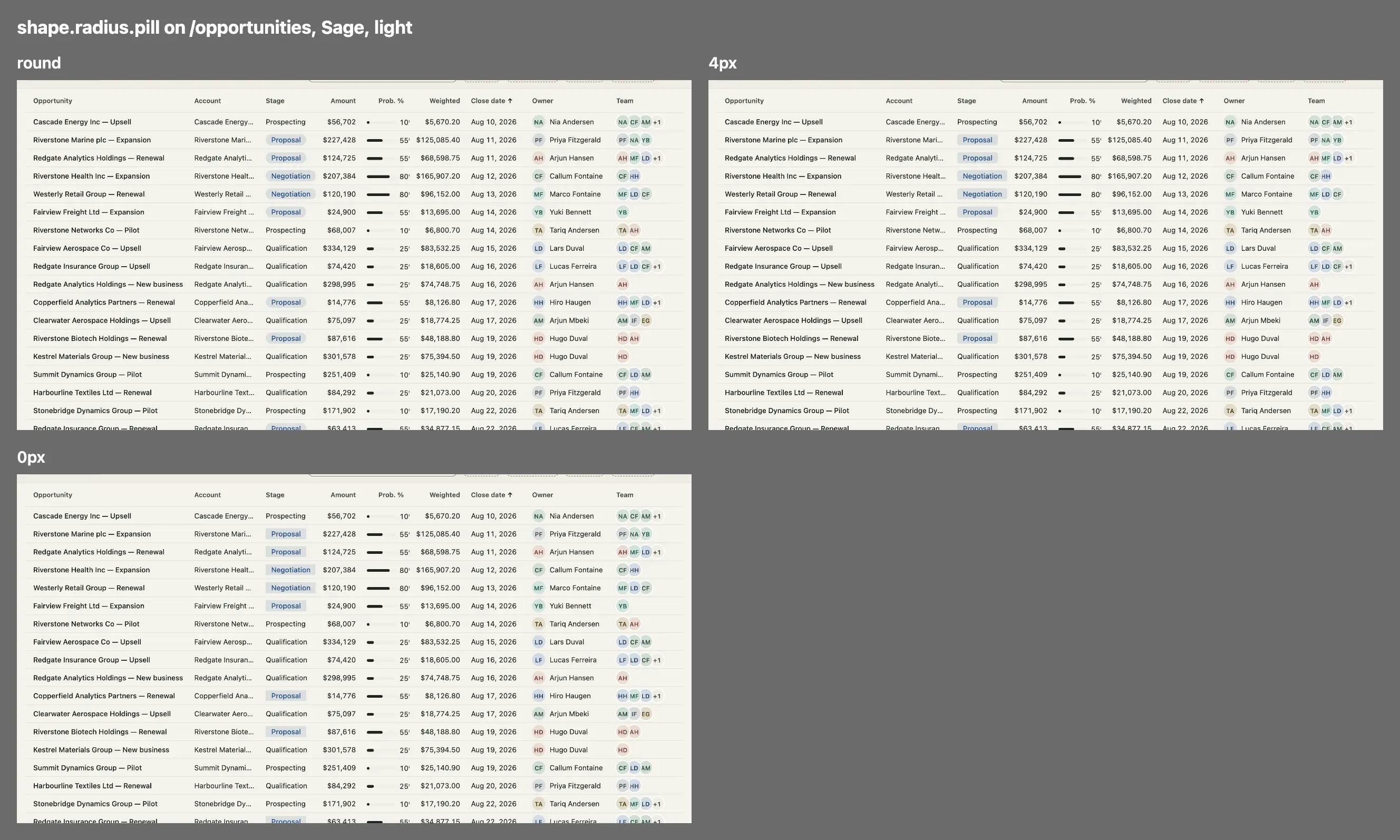
shape.radius.pill
Section titled “shape.radius.pill”Not a recipe but a length beside them: a status pill’s, a tag’s and a chip’s corner. Omitted, round. Shown in Sage, whose statuses are pills.
shape.radius.control
Section titled “shape.radius.control”Not a recipe but a length beside them: a button’s, an input’s and a select’s corner, 0px to 16px, or round, a pill. Round controls leave every other box at 8px, because a card is not a pill; a form’s field keeps shape.radius.field. shot --recipes radius.control draws 0px, 4px, 8px and round side by side.
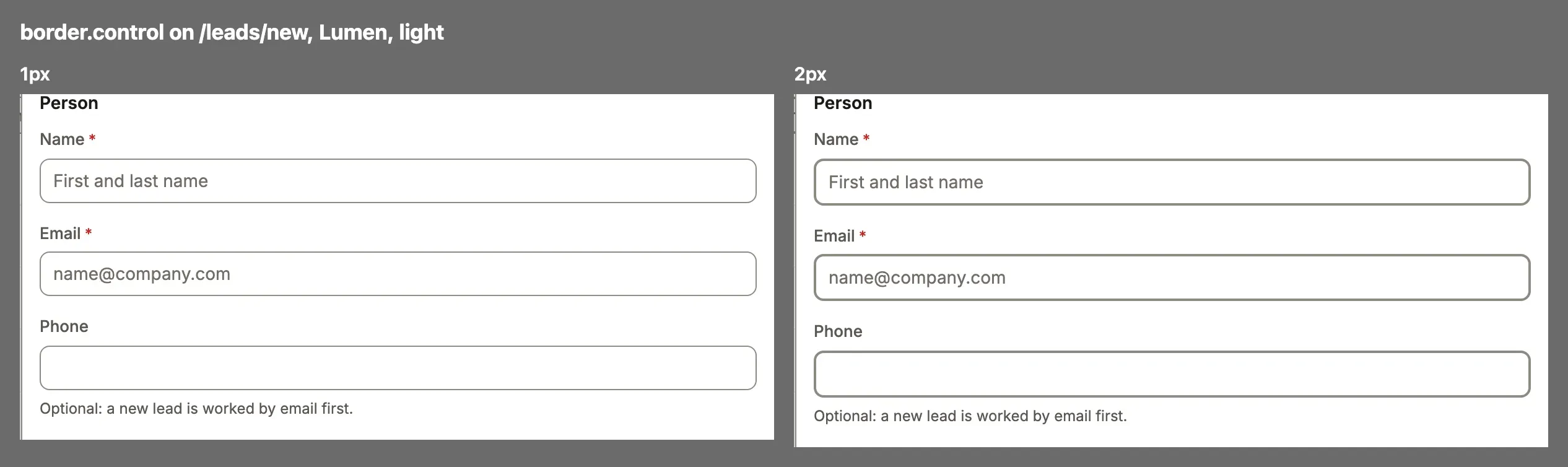
shape.border.control
Section titled “shape.border.control”A field’s and a select’s edge, 1px or 2px, said once for both modes. Beside it, shape.border says the rules’ weight (rule), a panel’s edge (panel, 0px draws none) and the focus ring (focus, 2px or 3px).
Not recipes: how each kind of text is drawn, said in type.roles as a few properties rather than picked from a menu. A role says only what differs from the look, and its size is the size at the 13px base: type.base (13px to 16px) grows every size at once. shot --recipes type.label (or type.title, type.section, type.figure) draws the common values side by side.
type: { base: '14px', roles: { title: { size: '30px', weight: 700 }, label: { face: 'code', case: 'upper' } },},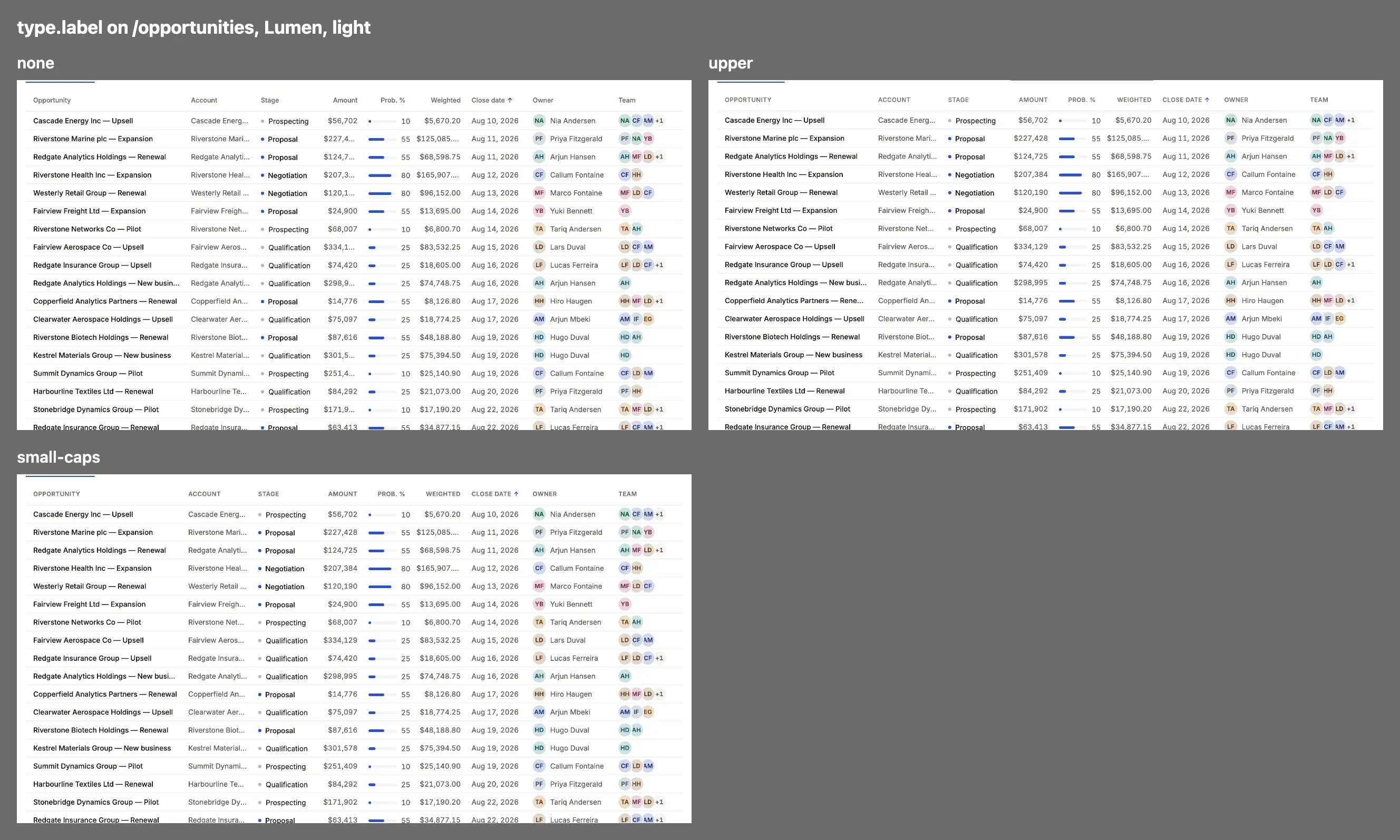
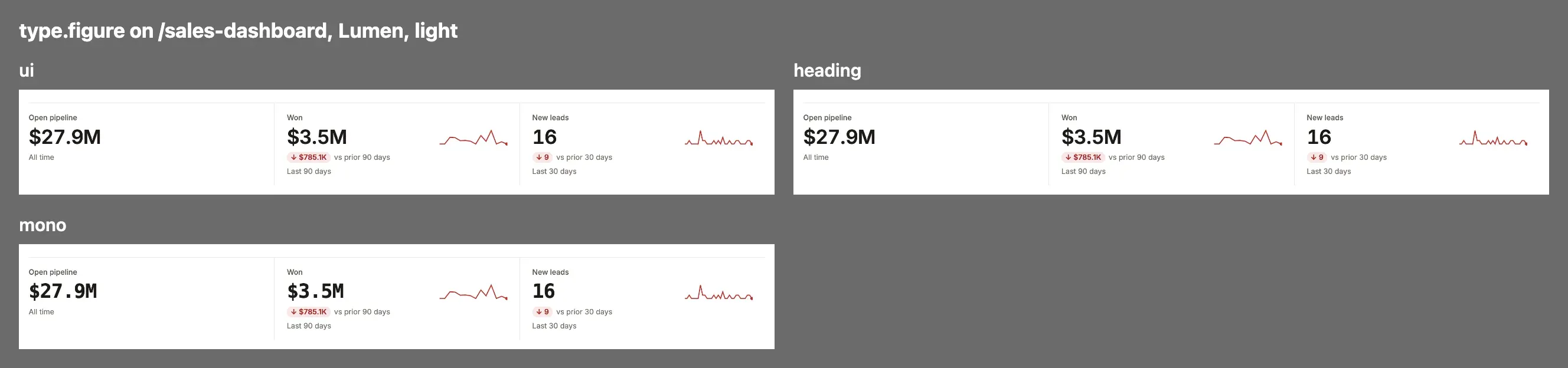
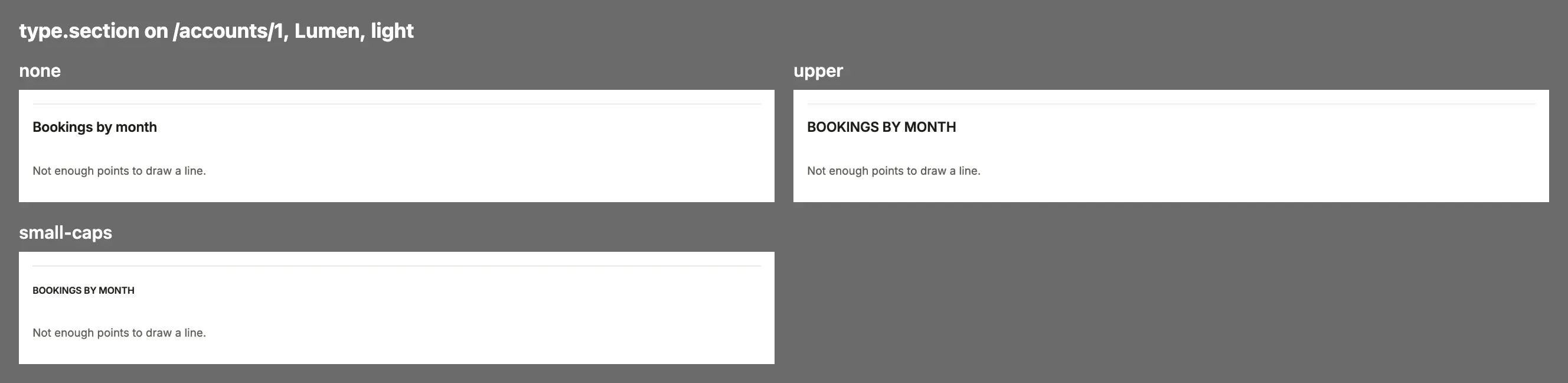
display: A landing’s headline: its face, size (28px to 56px), leading, tracking, weight and features.title: A record’s and a dashboard’s name: its face, size (20px to 36px), leading, tracking, weight, case and features; its weight is every heading’s.heading: A list naming itself over its rows: its face, size (16px to 28px), leading, tracking, weight (omitted, the title’s), case and features.section: A section’s title on a record and a dashboard: its face, case and features; a dashboard’s section title also takes a size (12px to 20px), tracking and weight.body: Prose, fields and the interface, at the base size: its leading (1.35 to 1.8) and features.label: A column’s head, a stat’s label and a record’s tabs, at the base size: their face, tracking, weight (400 to 700), case and features; upper sets them a step smaller.data: A table’s cells and a record’s values, in the data face at the base size: their features, tabular figures kept, and its reach: every value, or figures only (figures, keys and dates, a record header’s facts too).figure: A stat’s figure: its face, size (18px to 40px), tracking, weight and features, tabular figures kept.nav: The menu’s entries in the bar, at the base size: their face, tracking, weight (400 to 600) and case; upper sets them a step smaller.